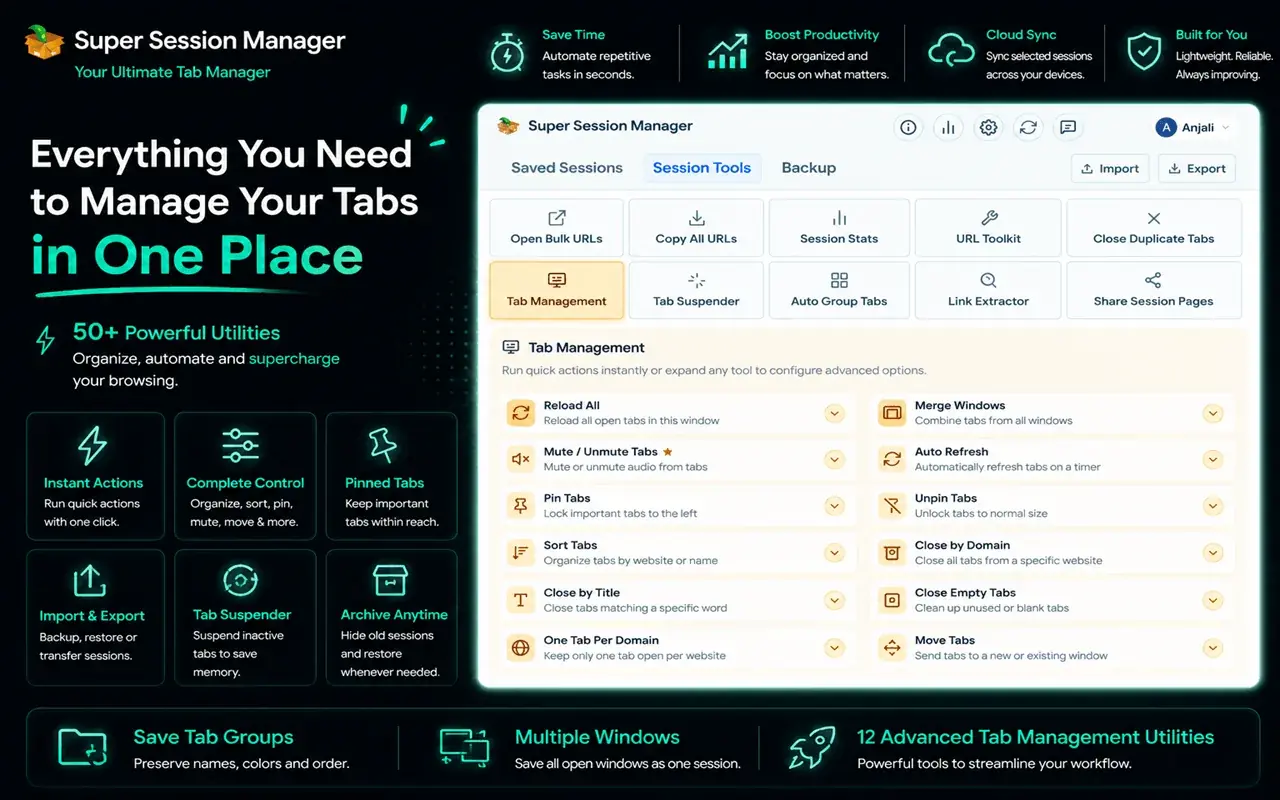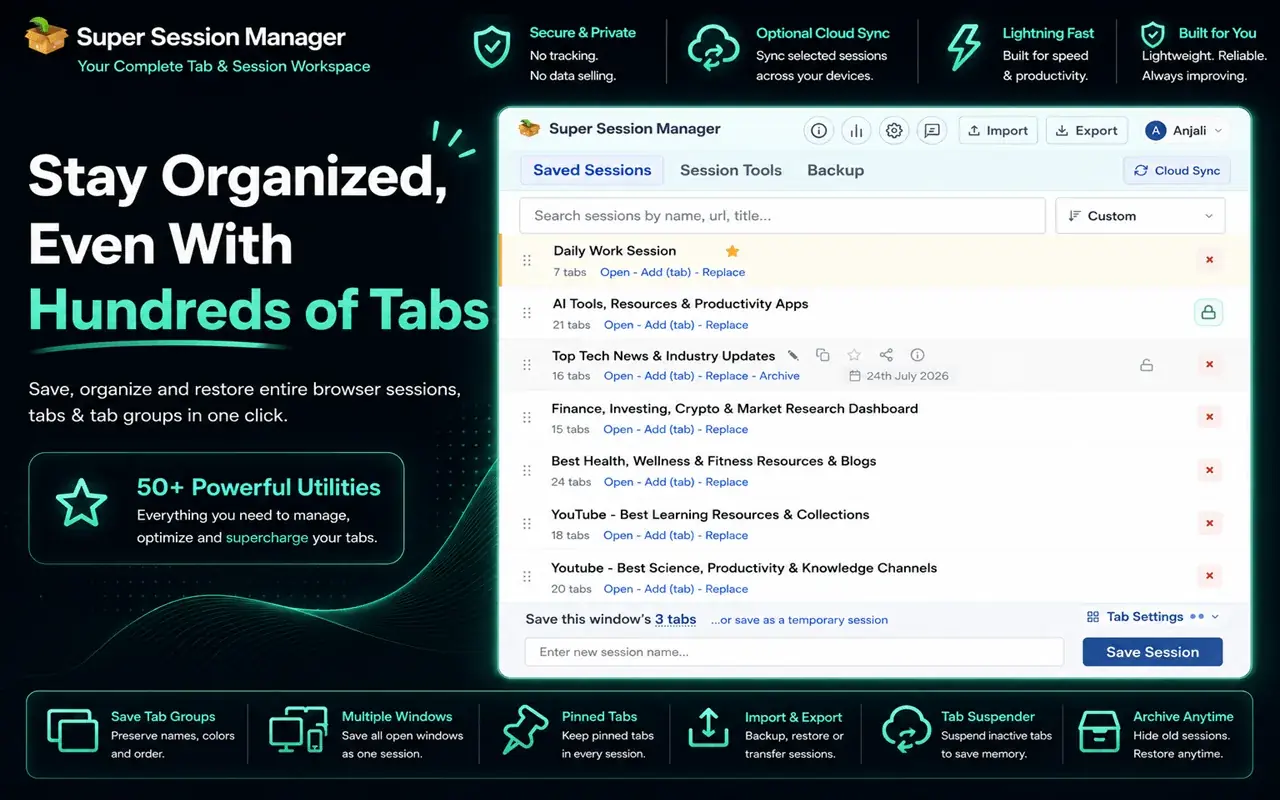
Chrome can reopen your last session, but it can't keep a library of named sessions you can switch between. That's the job of a session manager extension. The right one becomes a safety net and a project switcher in one: save your tabs, close them without worry and bring them back when you need them.
This guide explains what to look for in a session manager extension for Chrome and how the most popular options differ, so you can pick the one that fits how you work.
Note: every extension here is described from its public description, without invented ratings or benchmarks. Features change, so check each listing for the latest.
What a good session manager should do
Before comparing names, decide which of these matter to you:
- Save on demand: save the current window, or all windows, as a named session in one click.
- Autosave: take snapshots in the background so a crash or accidental close doesn't lose your tabs.
- Flexible restore: restore a whole session, a single window or individual tabs, into the current window or a new one.
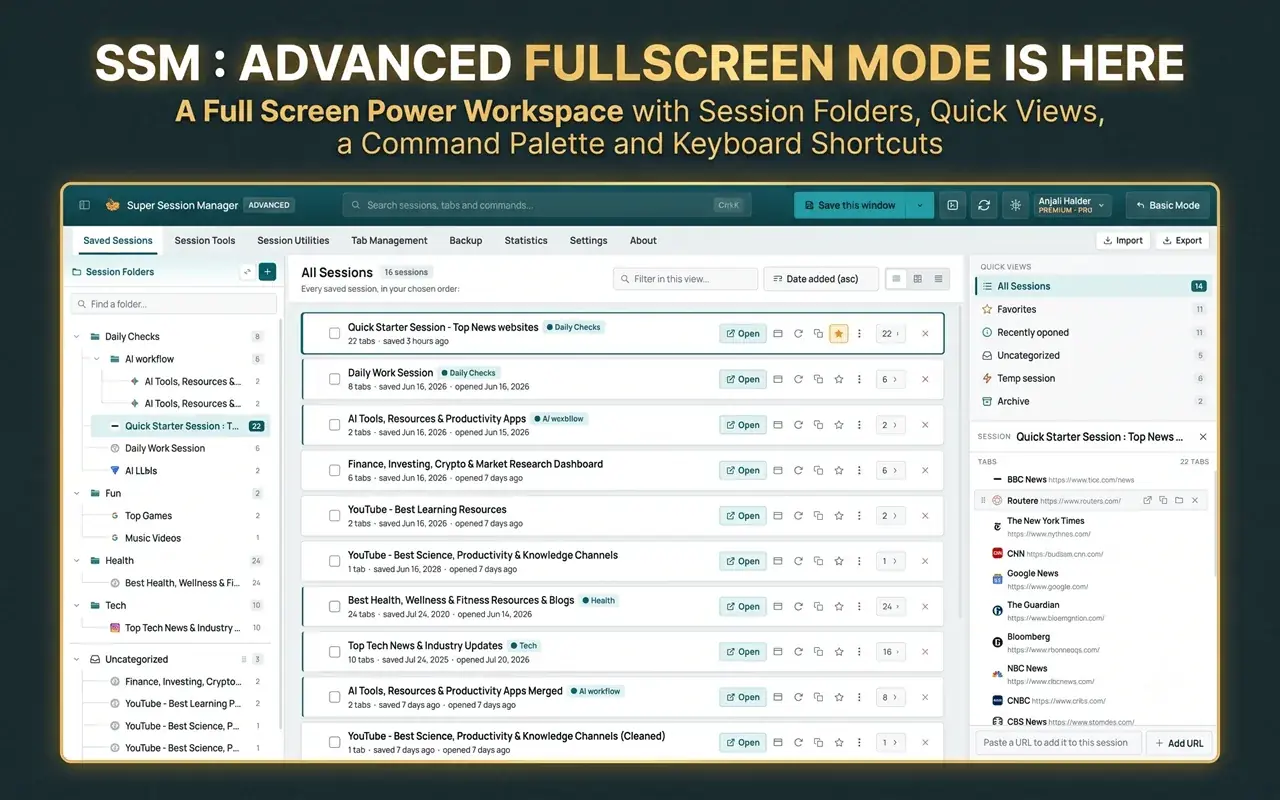
- Organization: rename, search, merge and edit sessions as projects change.
- Tab group support: keep Chrome's tab groups, their names and colors when saving and restoring.
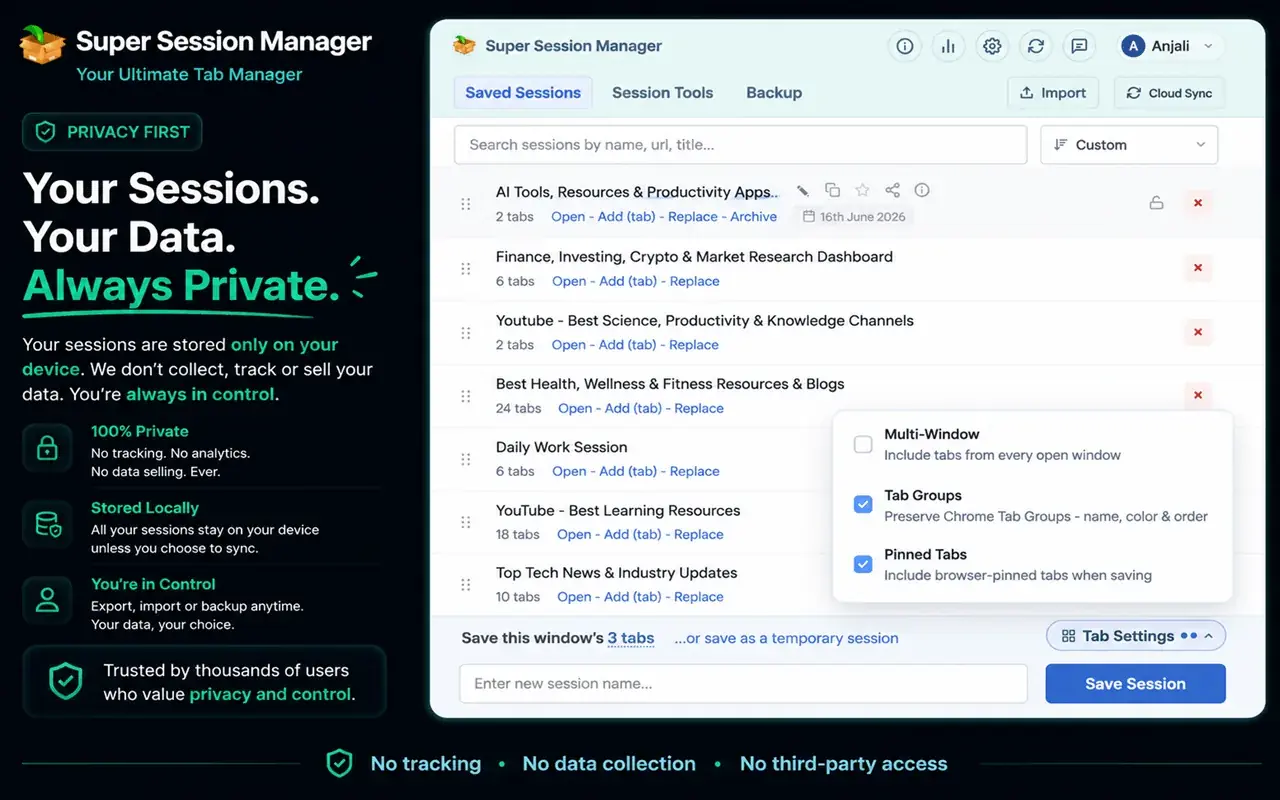
- Privacy and storage: know where your sessions live. Local storage keeps your browsing on your device; cloud sync is convenient across computers but means trusting a server.
- Import and export: get your data out, as a backup or to move to another tool.
- Sensible permissions: a session manager needs access to your tabs, but not to read the content of every page you visit.
The options compared
| Extension | Approach | Where sessions live | Browsers |
|---|---|---|---|
| Super Session Manager | Named sessions, organize and restore | On your device by default; optional sync for chosen sessions | Chrome, Firefox |
| Session Buddy | Long-running Chrome session manager | Check the listing | Chrome |
| Tab Session Manager | Open-source session manager | Check the listing | Firefox, Chrome |
| OneTab | Collapses tabs into a list | Check the listing | Chrome, Firefox and others |
| Chrome's built-in tools | Restore last session, tab groups, bookmarks | Your Google account if sync is on | Chrome |
Where we haven't verified a detail ourselves, we've written "check the listing" instead of guessing.
Super Session Manager
Super Session Manager is built for people who juggle many projects in the browser. It saves your windows and tabs as named sessions so each project's tabs are one click away, and lets you organize, restore and share them.
Why you might choose it:
- Named sessions for each project, client or topic.
- Organize, restore and share saved sessions.
- Privacy-first: sessions are stored on your device by default. Sync is optional and covers only the sessions you choose to sync.
- Available for Chrome, Edge and Firefox.
Visit sessionmanager.net for the full, current feature list.
Session Buddy
Session Buddy is one of the longest-standing session managers for Chrome. It lists your open tabs and saved sessions in one view, and lets you save, restore and search them. It's a familiar choice for people who mainly want a dependable list of saved sessions.
Tab Session Manager
Tab Session Manager is an open-source extension available for both Firefox and Chrome. It saves and restores windows and tabs, with automatic saving options. Being open source, its code is public, which some users value for transparency.
OneTab
OneTab takes a different approach: one click collapses all your tabs into a single list page, freeing memory. You can restore tabs individually or all at once. It's less of a "project switcher" and more of a "get these tabs out of my way" tool, which is perfect if your main problem is tab overload rather than switching between projects.
Chrome's built-in options
Before installing anything, know what Chrome already does:
- Continue where you left off (Settings → On startup) reopens your last session.
- Recently closed in the History menu (
Ctrl+H) brings back closed tabs and windows. - Tab groups organize tabs, and saved groups can be closed and reopened later. See how to use Chrome tab groups.
- Bookmark all tabs (
Ctrl+Shift+D) saves a window's tabs to a folder.
These are free and built in. A session manager adds named, searchable sessions, partial restores and a safety net that doesn't depend on the last session closing cleanly. Our guide on how to save and restore browser tabs and sessions walks through each built-in method.
How to choose
- You switch between several projects every week: choose a session manager built around named sessions, such as Super Session Manager.
- Your main problem is too many tabs eating memory: OneTab's collapse-to-list approach may suit you. Pair it with the habits in how to manage too many open tabs.
- You care most about open source: Tab Session Manager publishes its code.
- You want zero installs: use Chrome's built-in restore, tab groups and bookmarks.
Whatever you pick, test it once: save a session, close the window, restore it and confirm everything came back. Do this before you need it.
Tips for using any session manager
- Name sessions by outcome, not date: "Q4 pricing research" beats "Tuesday".
- Save before risky moments: browser updates, OS updates or clearing browsing data.
- Prune monthly. Old sessions you'll never reopen make the useful ones harder to find.
- Export a backup occasionally if your extension supports it.
- Know your fallback. If something goes wrong, here's how to recover closed tabs and lost sessions.
Frequently asked questions
What is a session manager extension?
It's a browser extension that saves your open windows and tabs as sessions you can name, organize and restore later, beyond what the browser's own "reopen last session" feature offers.
Does Chrome have a built-in session manager?
Not a full one. Chrome can reopen your last session, restore recently closed tabs and windows, and save tab groups, but it doesn't keep a library of named sessions.
Are session manager extensions safe?
They need permission to see your tabs' addresses and titles to save them. Choose one from a publisher with a clear privacy policy, prefer local storage if privacy matters to you, and check what's synced if you turn on sync.
Can I move my sessions to a new computer?
Yes, with a session manager that supports sync or export. Super Session Manager offers optional sync for the sessions you choose; other extensions offer export files you can import elsewhere.