Editing webpages
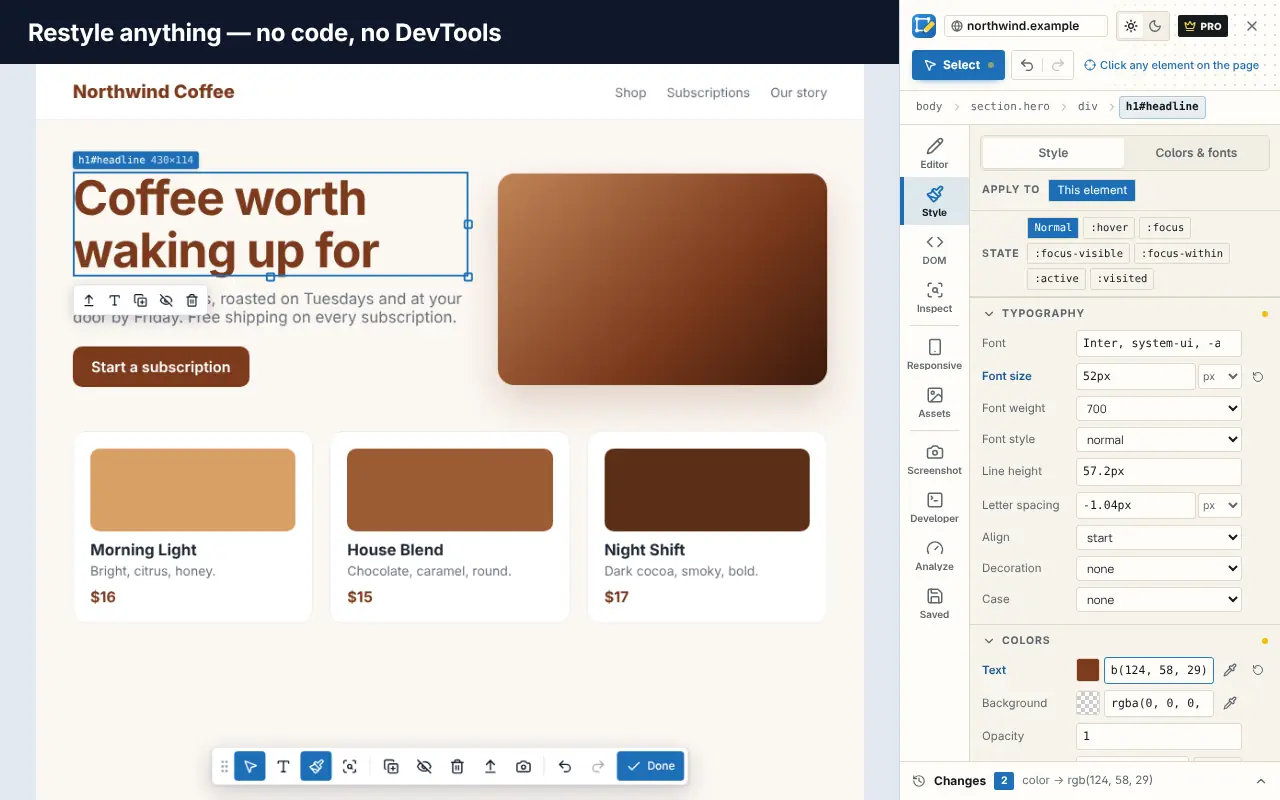
How to Change the Font on Any Website
Change the font, font size and line spacing on any website in Chrome, Edge or Firefox, using browser settings, DevTools, reading mode or a visual editor.
5 min read
Edit Page blog
Hands-on guides to web developer tools, editing webpages, Chrome extensions and taming your tabs. No fluff, no invented numbers: just steps you can follow today.
20 articles
Editing webpages
Change the font, font size and line spacing on any website in Chrome, Edge or Firefox, using browser settings, DevTools, reading mode or a visual editor.
5 min read
Developer tools
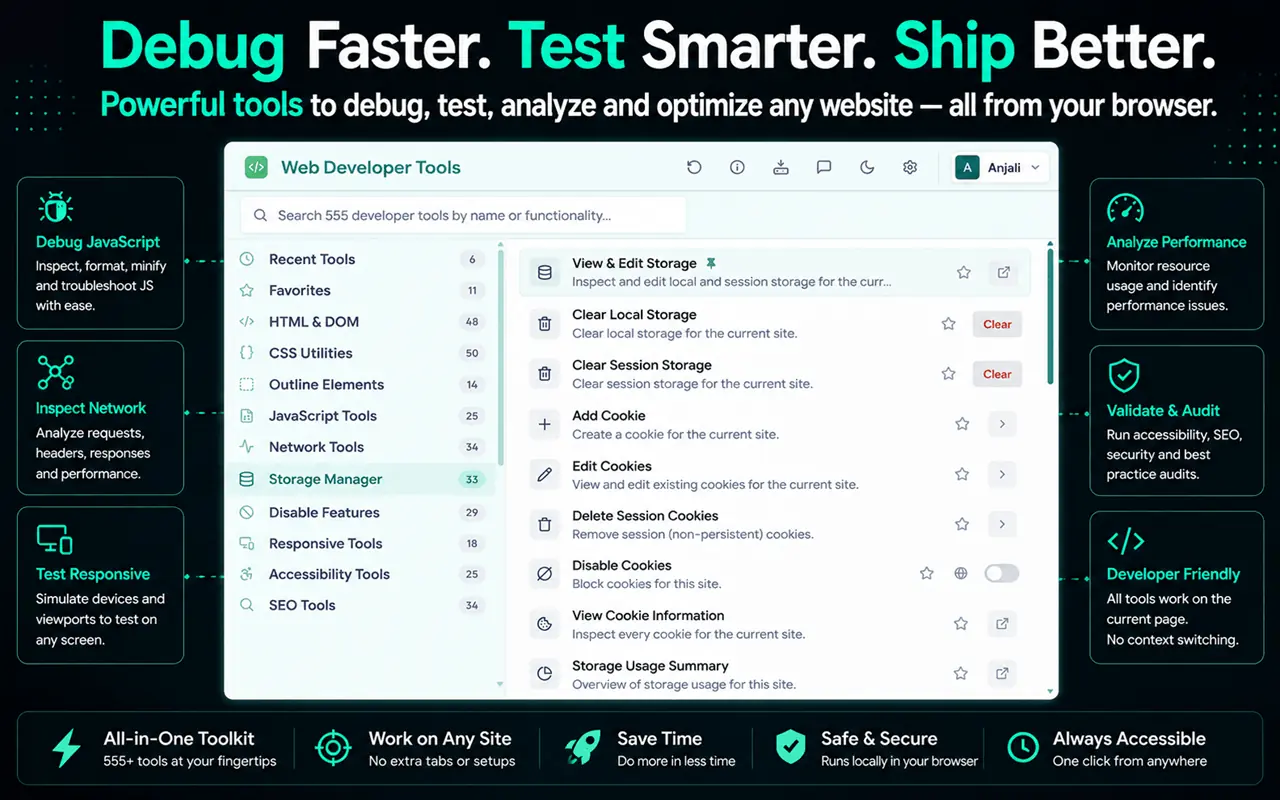
A free on-page SEO check you can run in any browser: titles, meta descriptions, headings, canonicals, links, images, structured data and Lighthouse.
5 min read
Developer tools
Free ways to check website accessibility in your browser, from Lighthouse and keyboard testing to color contrast, the accessibility tree and vision simulation.
4 min read
Developer tools
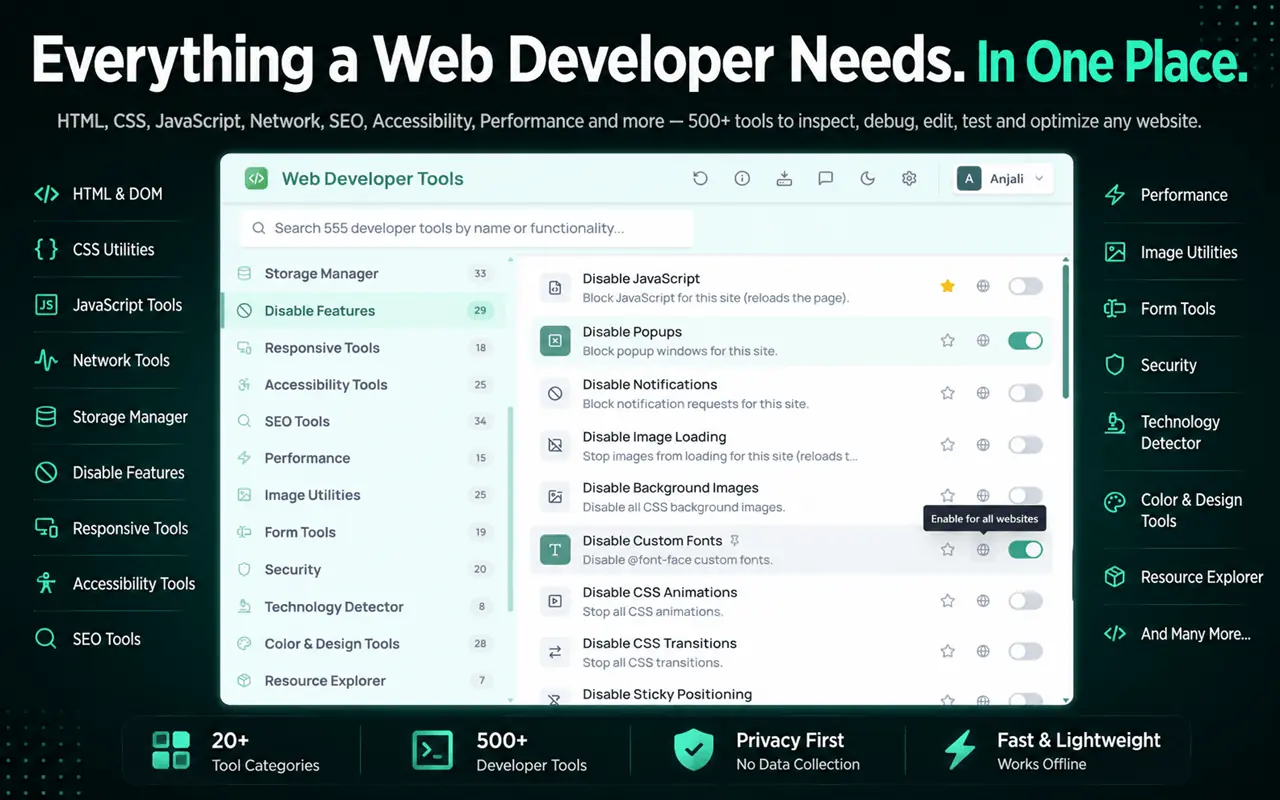
Find out which font a website uses and get the exact color codes from any page, using Chrome or Firefox DevTools, the eyedropper, CSS Overview or Edit Page.
5 min read
Editing webpages
How to get rid of cookie banners, newsletter pop-ups, sticky bars and chat bubbles on websites, with browser settings, reading mode, DevTools or a one-click cleanup.
4 min read
Browser tips
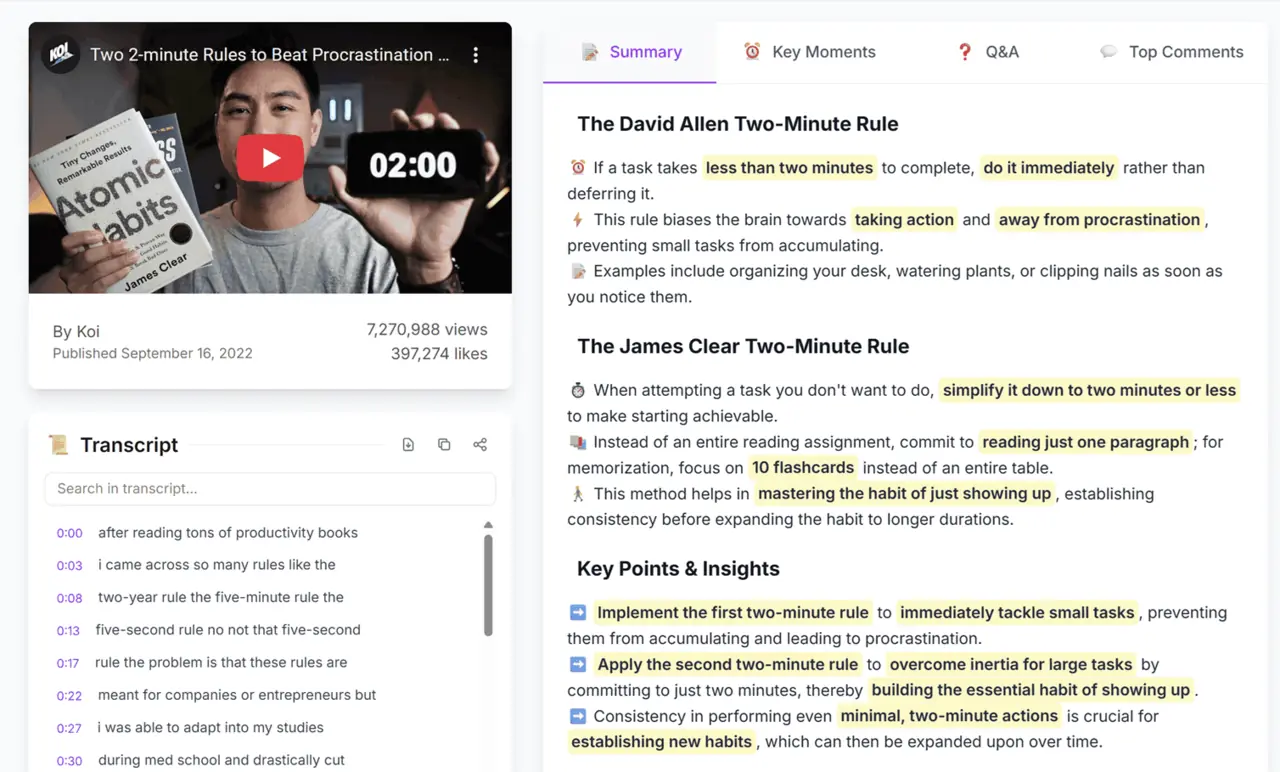
How to summarize YouTube videos, use transcripts and chapters, and decide what's worth watching, so tutorials and talks take less of your time.
5 min read
Browser tips
How to take a full-page screenshot in Chrome without an app, plus element screenshots, Edge and Firefox shortcuts, and tips for clean, annotated captures.
4 min read
Developer tools
Test responsive design and mobile layouts in Chrome, Edge or Firefox with device mode, media queries and breakpoints, plus how to check real devices.
5 min read
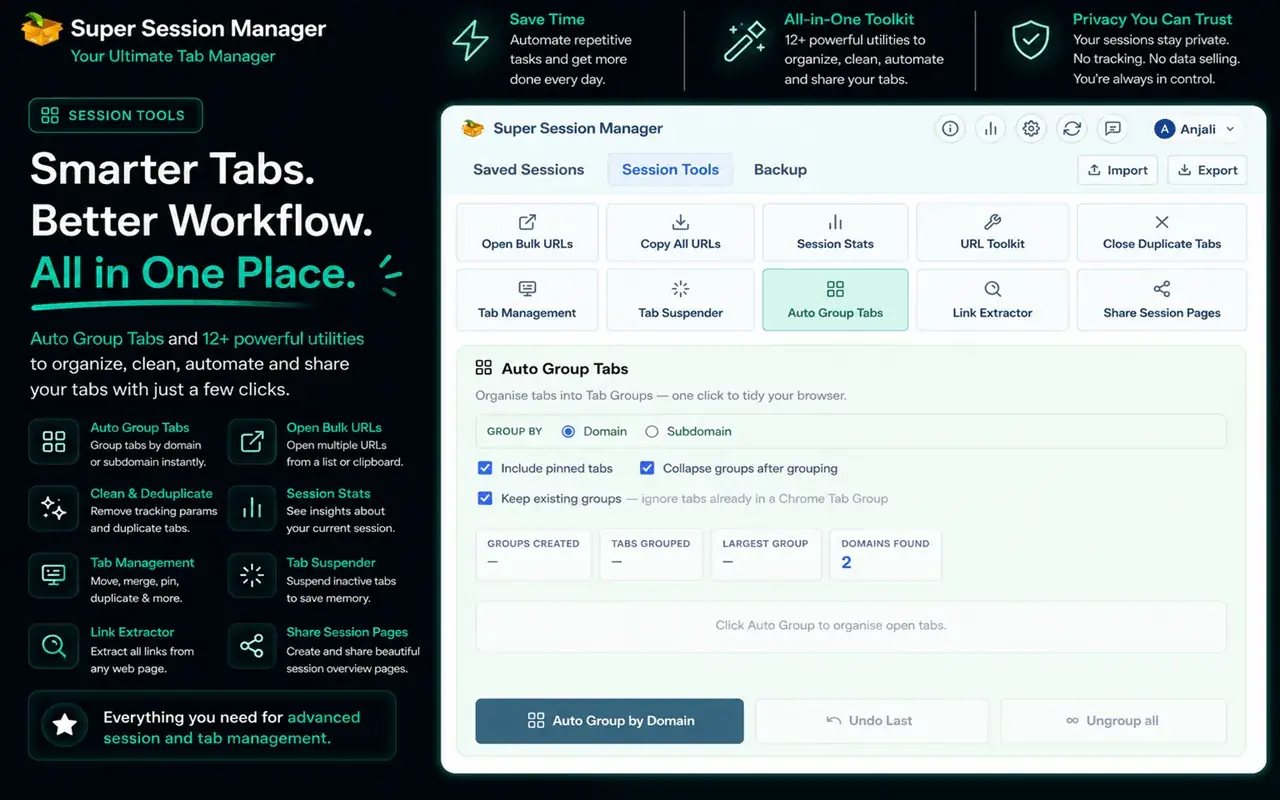
Tabs & sessions
A complete guide to Chrome tab groups: create, name, color, collapse, move and save groups, use them in Edge and Firefox, and back them up with sessions.
4 min read
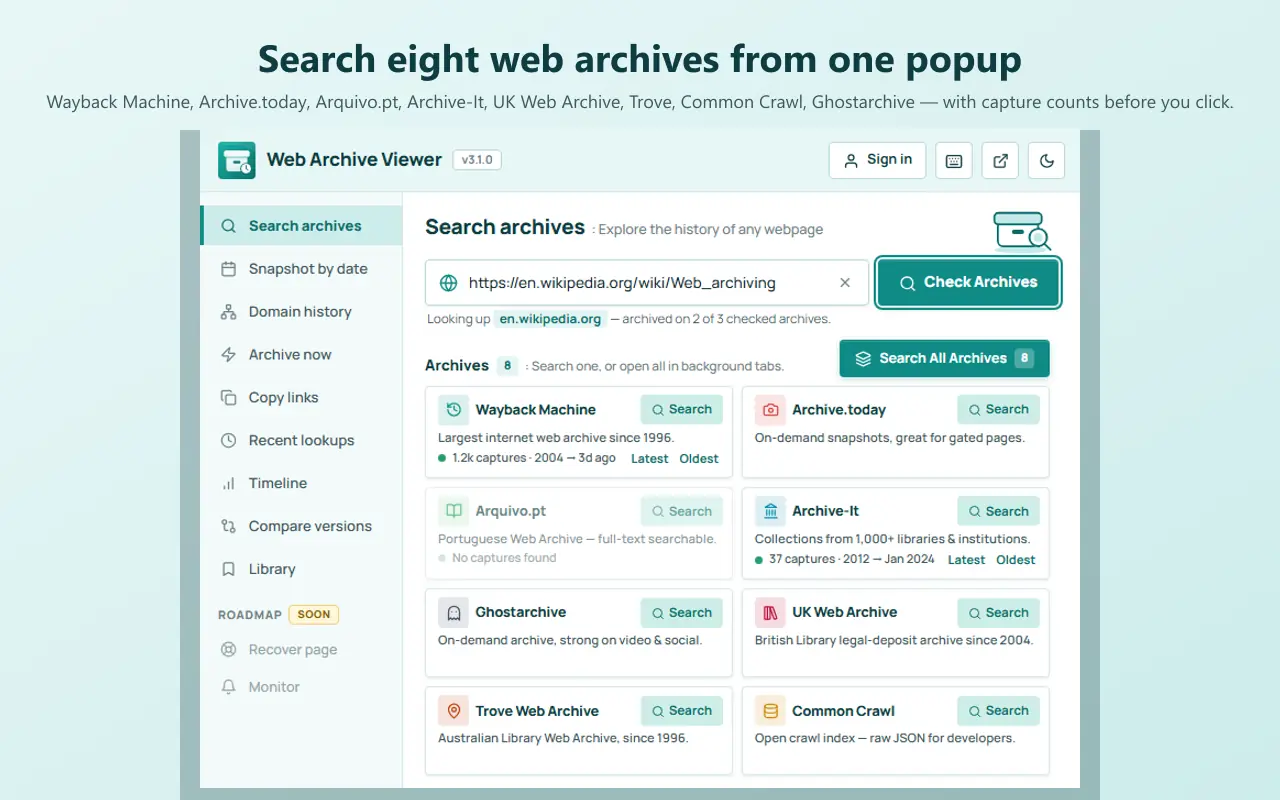
Browser tips
How to see what a website or page looked like in the past, using the Wayback Machine, Web Archive Viewer and other archives, and what to do when no copy exists.
5 min read
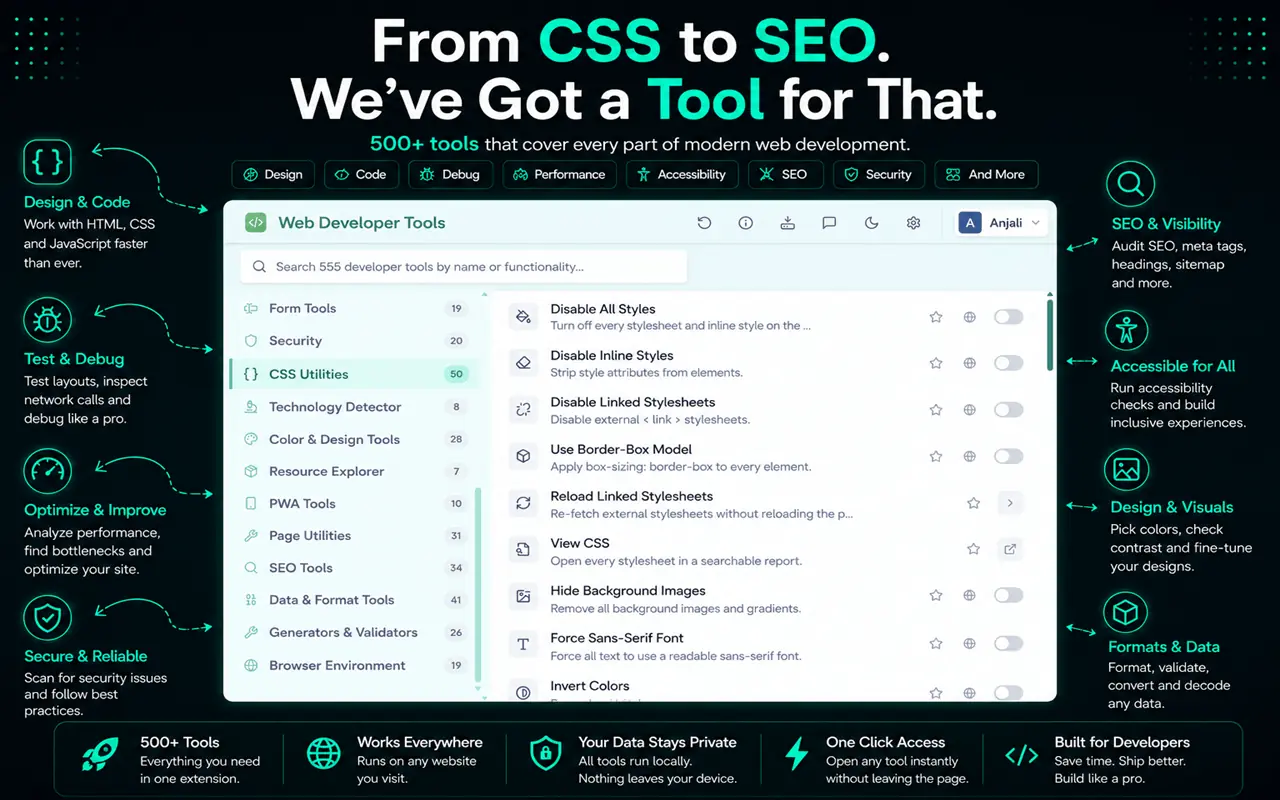
Developer tools
The Chrome extensions web developers actually use for visual editing, framework debugging, accessibility, colors and tab management, and how to choose safe ones.
6 min read
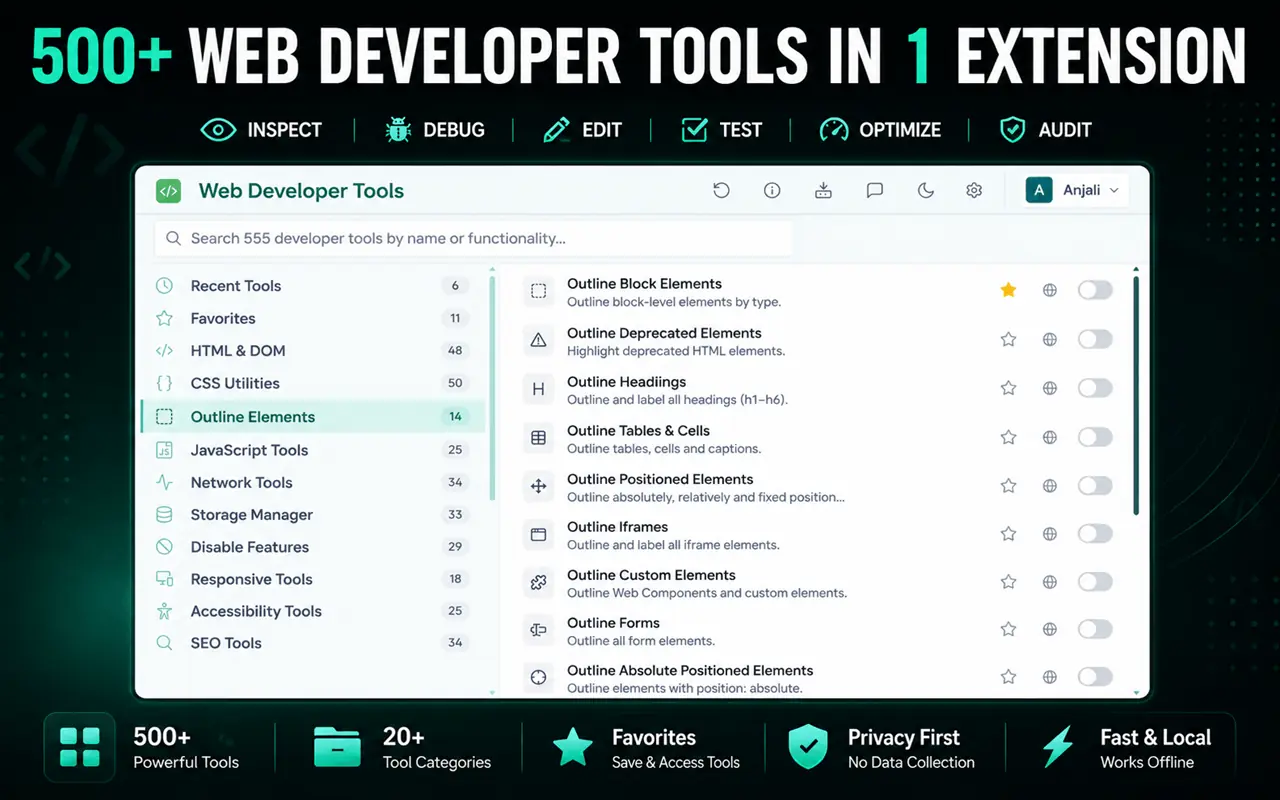
Developer tools
The best free web developer tools in 2026, from browser DevTools and code editors to testing, reference and Chrome extensions, with what each one is for.
6 min read
Tabs & sessions
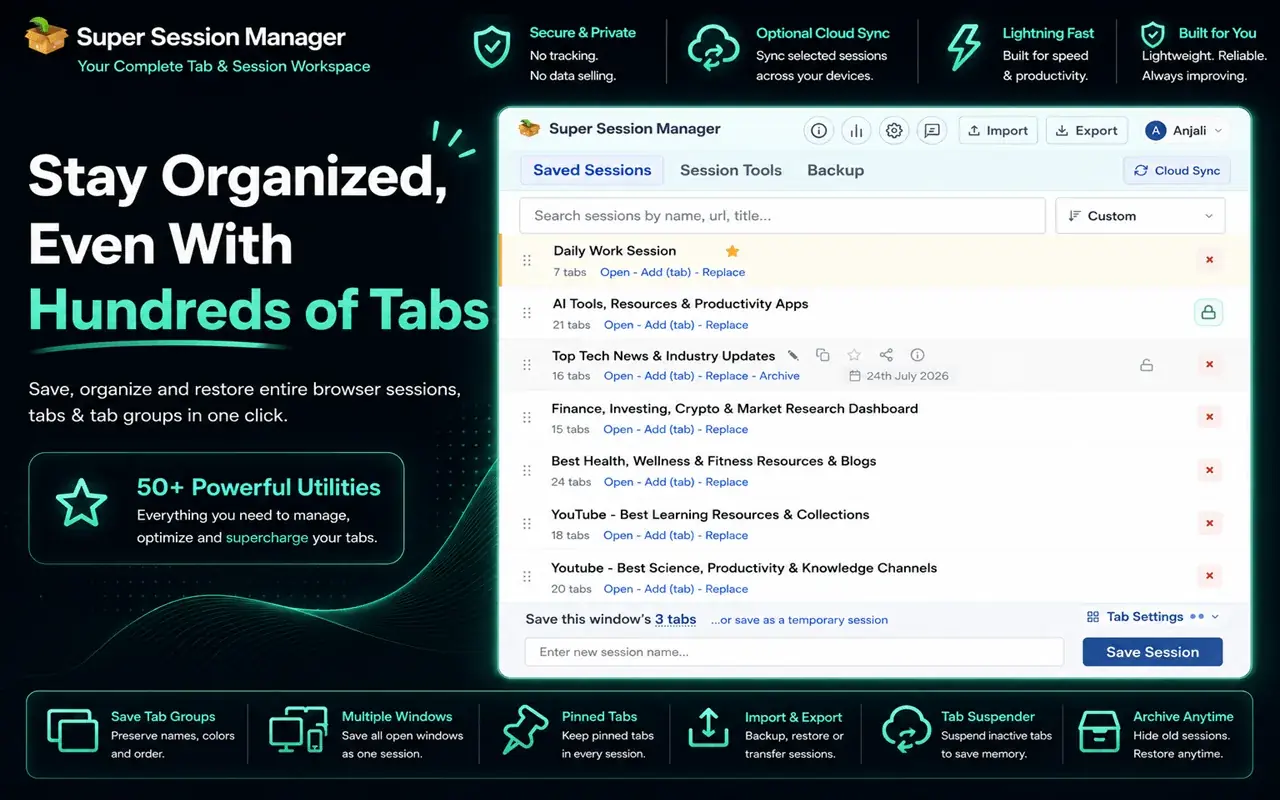
How to choose a session manager extension for Chrome, the features that matter, and how Super Session Manager, Session Buddy, Tab Session Manager and OneTab compare.
5 min read
Developer tools
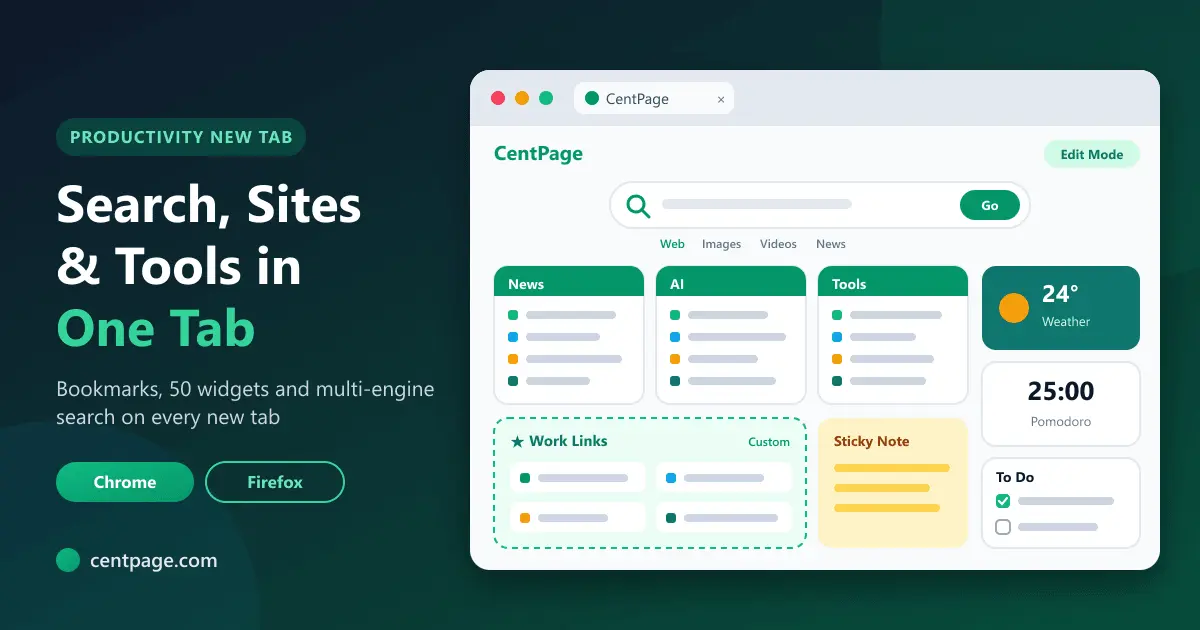
Browser productivity tips for developers: keyboard shortcuts, address-bar search, profiles, DevTools tricks, tab sessions and a lean set of everyday tools.
5 min read
Developer tools
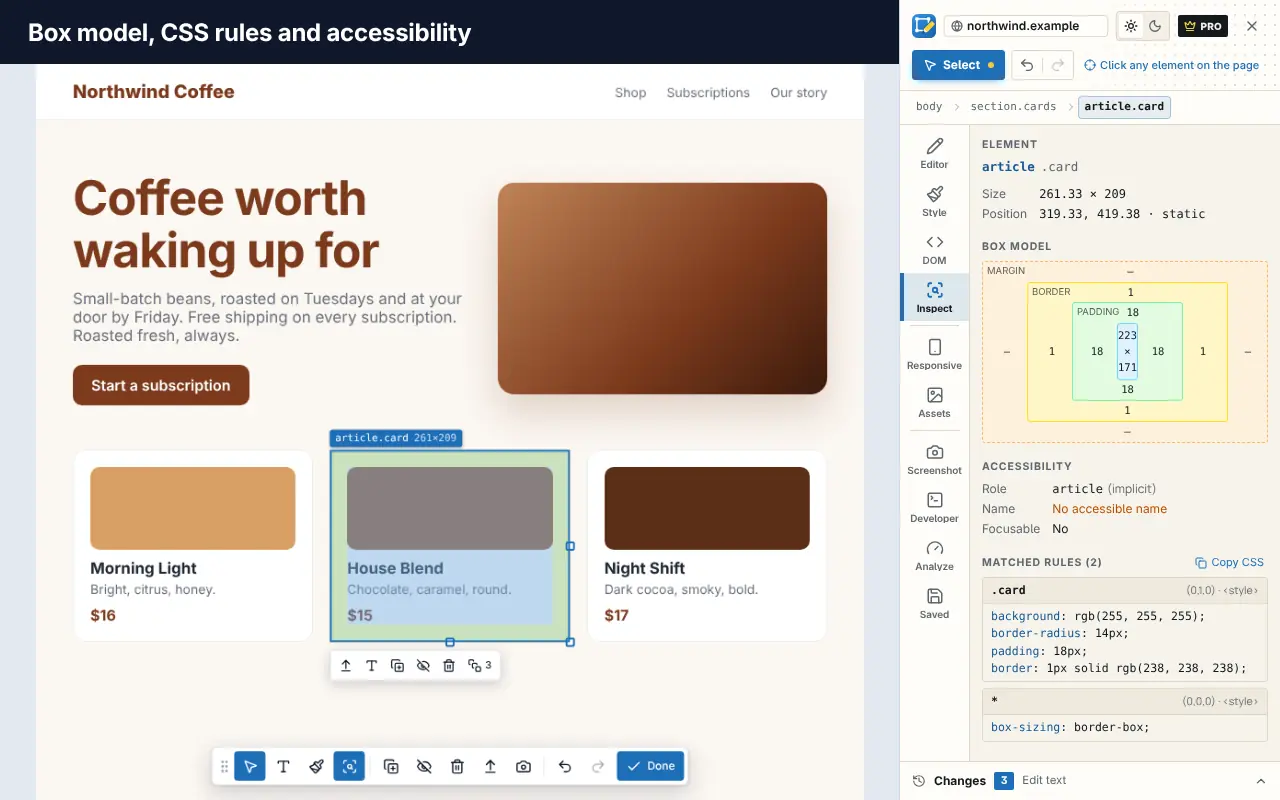
A practical tour of the browser tools every web developer should know, from Elements, Console and Network to Lighthouse and device mode, plus useful extensions.
6 min read
Editing webpages
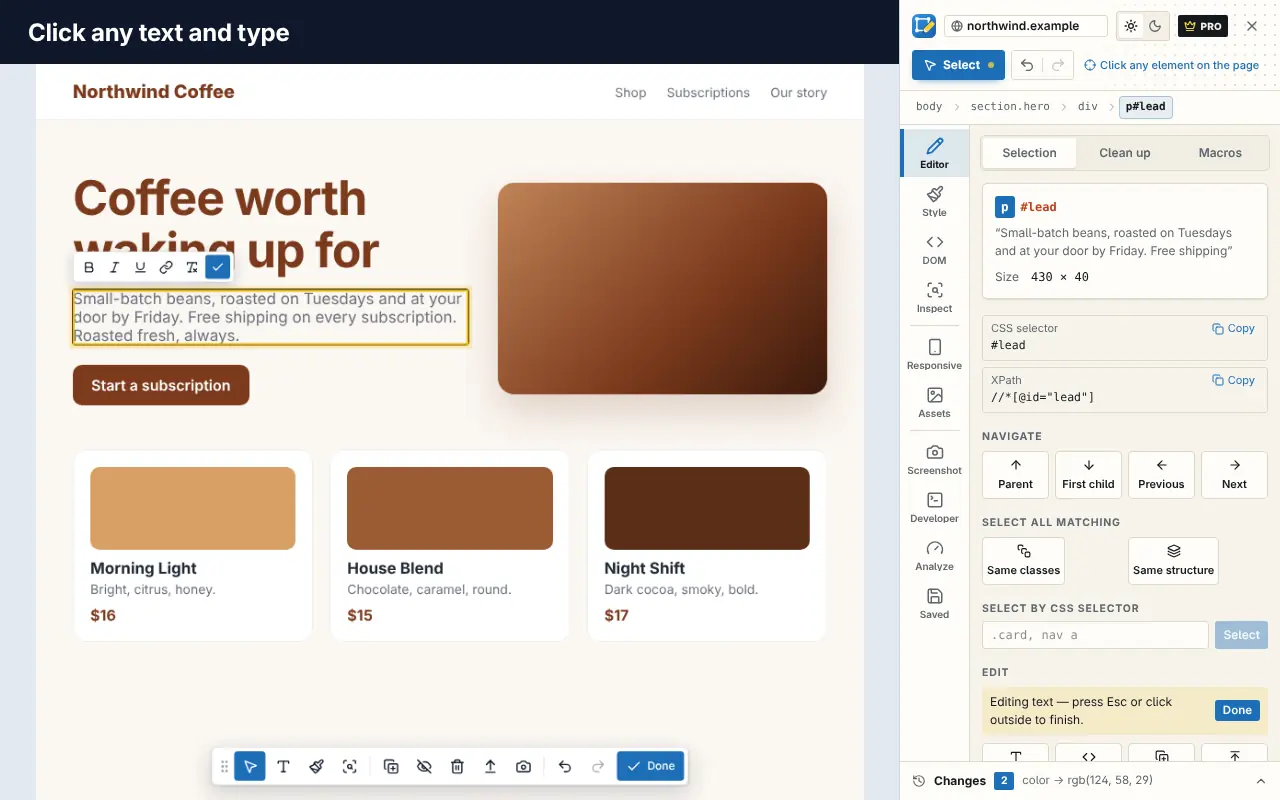
Four ways to edit any webpage in your browser, from Inspect Element and design mode to a visual editor extension, and how to keep your edits after a reload.
6 min read
Editing webpages
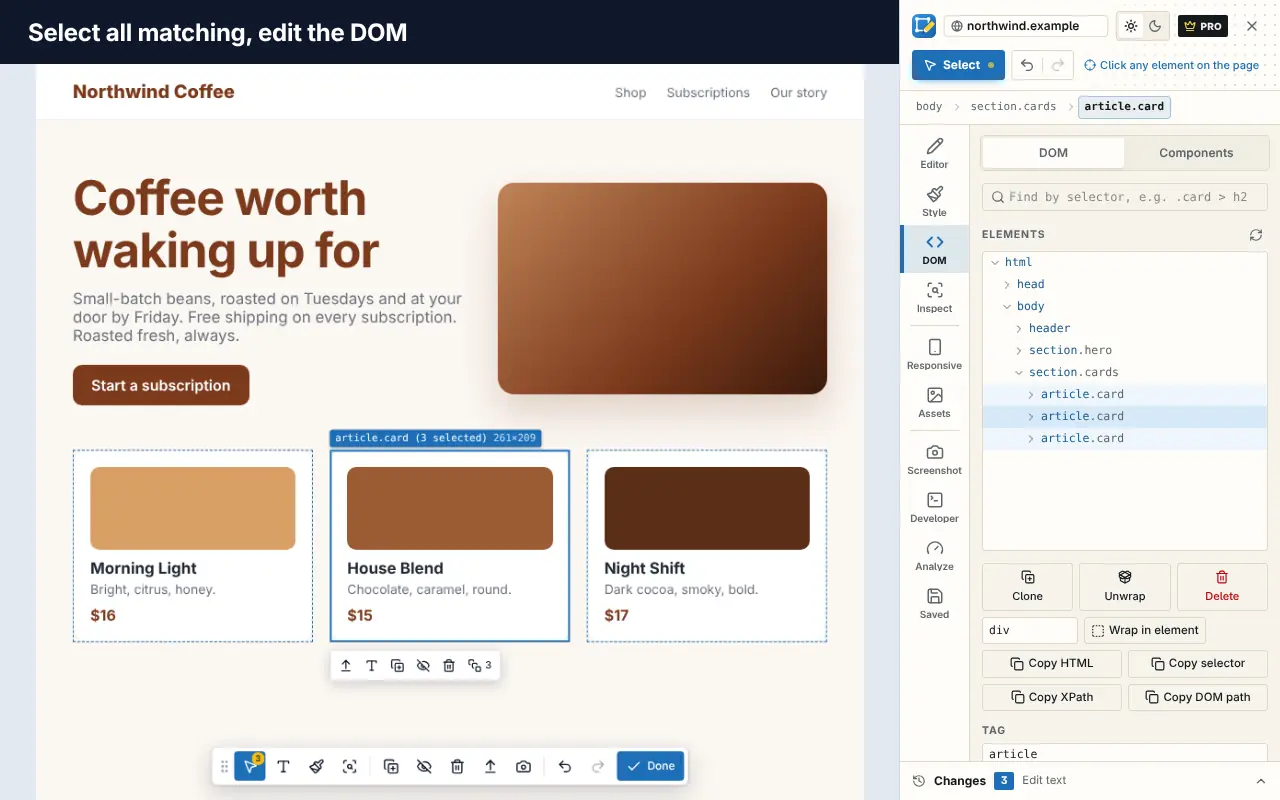
Learn to inspect elements and edit HTML and CSS live in Chrome or Firefox DevTools, debug styles that won't apply, and keep the changes you make.
6 min read
Tabs & sessions
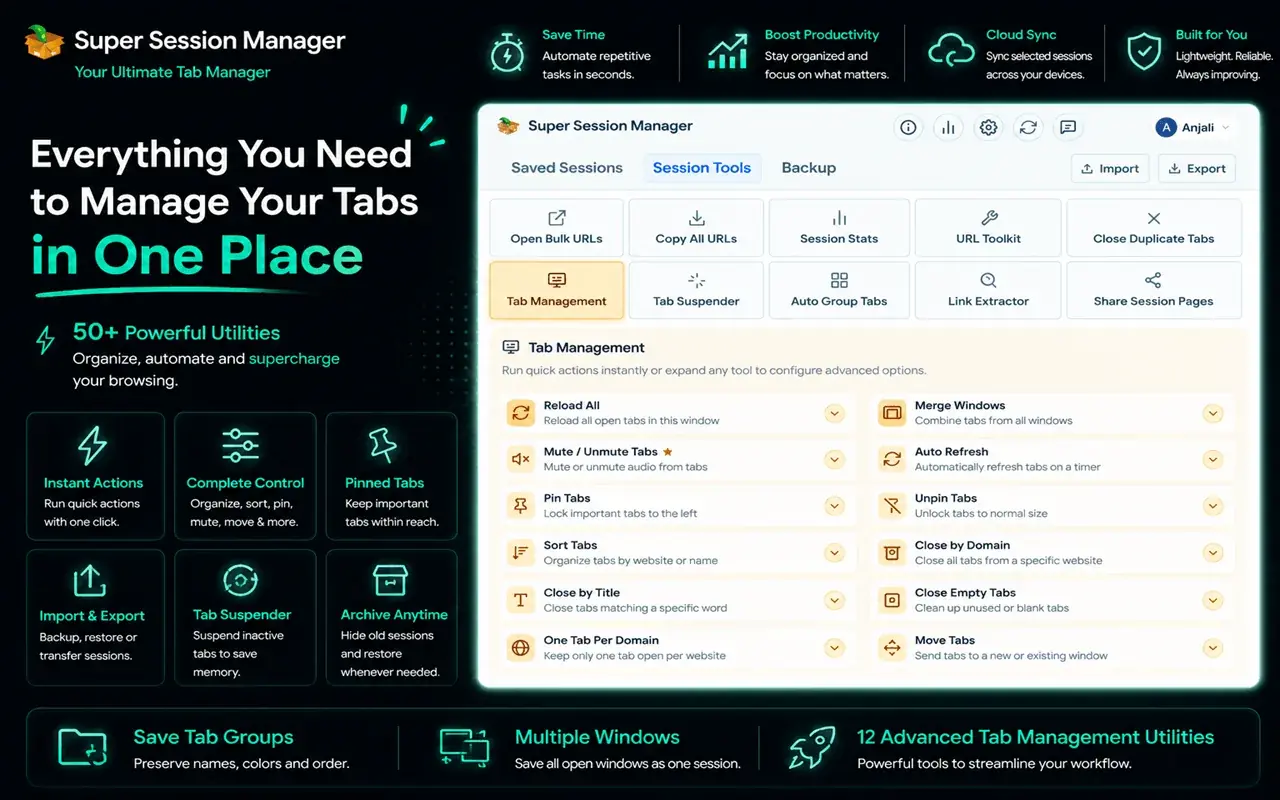
Practical ways to manage too many open browser tabs, using tab search, groups, memory saving, sessions and a few simple habits that keep your browser fast and focused.
5 min read
Tabs & sessions
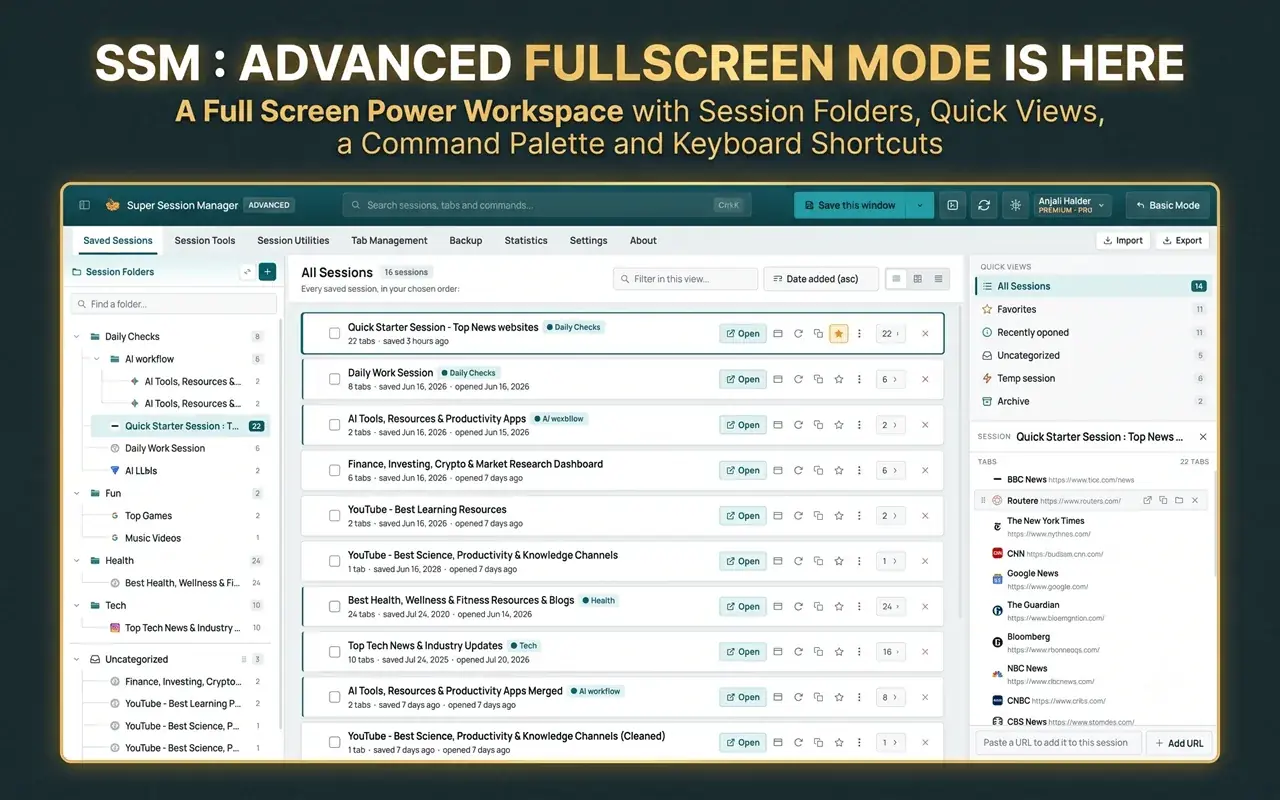
Step-by-step ways to reopen closed tabs and recover lost browser sessions in Chrome, Edge and Firefox after an accidental close, a crash or a restart.
5 min read
Tabs & sessions
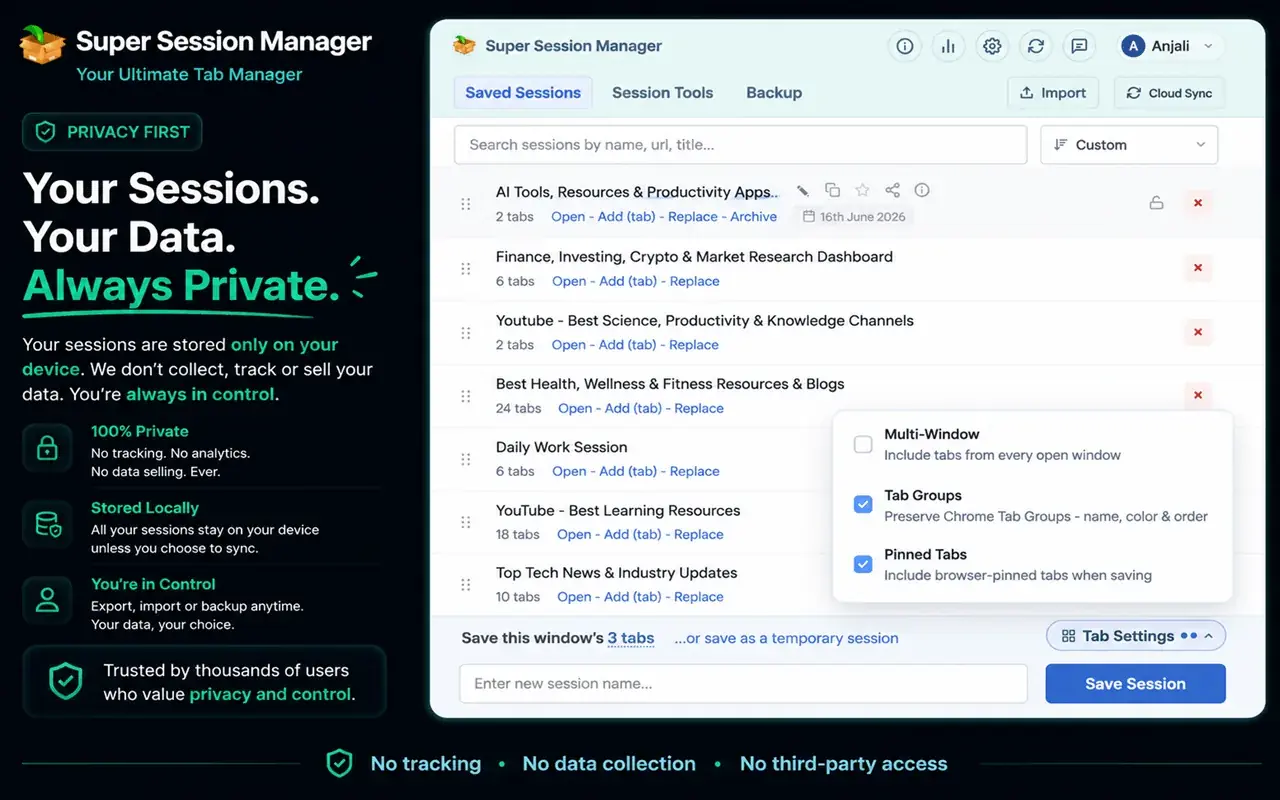
How to save all your open tabs and restore them later in Chrome, Edge and Firefox, using built-in settings, bookmarks, tab groups or a session manager extension.
5 min read
The tools these guides use most: edit pages, manage tabs, audit sites, browse web archives and summarize videos.
Edit text, CSS and HTML on any webpage visually, and keep your changes per site.
Save, organize and restore tab sessions, tab groups and bookmarks. Privacy-focused.
500+ privacy-first tools to inspect, debug, edit, test and audit any website.
Search the Wayback Machine and seven more web archives from one popup.
AI summaries of YouTube videos: key moments, Q&A and the transcript, side by side.
A productivity new tab: bookmarks, multi-engine search, notes and widgets.
Your browser, your rules
Free, private, and one click away in Chrome.


