Developer tools
How to Check a Website's SEO in Your Browser
A free on-page SEO check you can run in any browser: titles, meta descriptions, headings, canonicals, links, images, structured data and Lighthouse.
5 min read
Edit Page blog
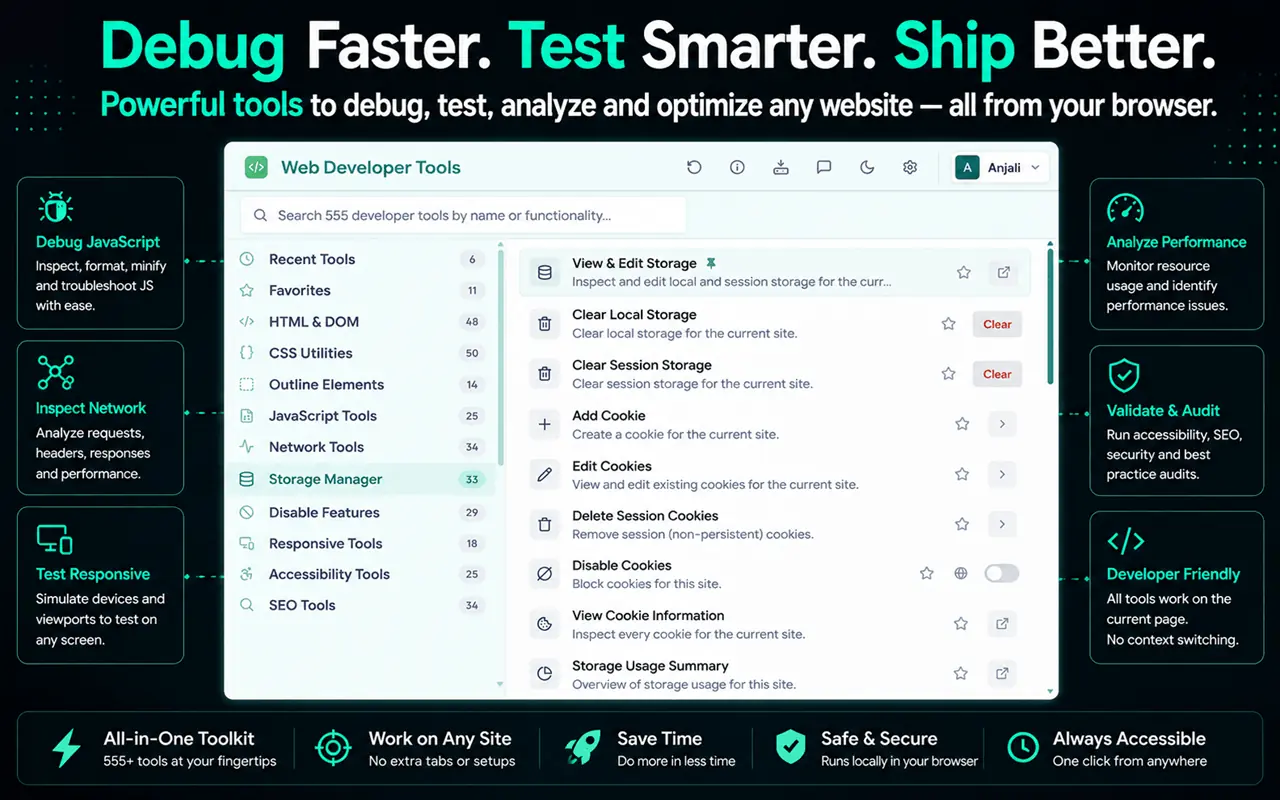
Free web developer tools, browser DevTools and Chrome extensions worth installing, and how to use them well.
8 articles
Developer tools
A free on-page SEO check you can run in any browser: titles, meta descriptions, headings, canonicals, links, images, structured data and Lighthouse.
5 min read
Developer tools
Free ways to check website accessibility in your browser, from Lighthouse and keyboard testing to color contrast, the accessibility tree and vision simulation.
4 min read
Developer tools
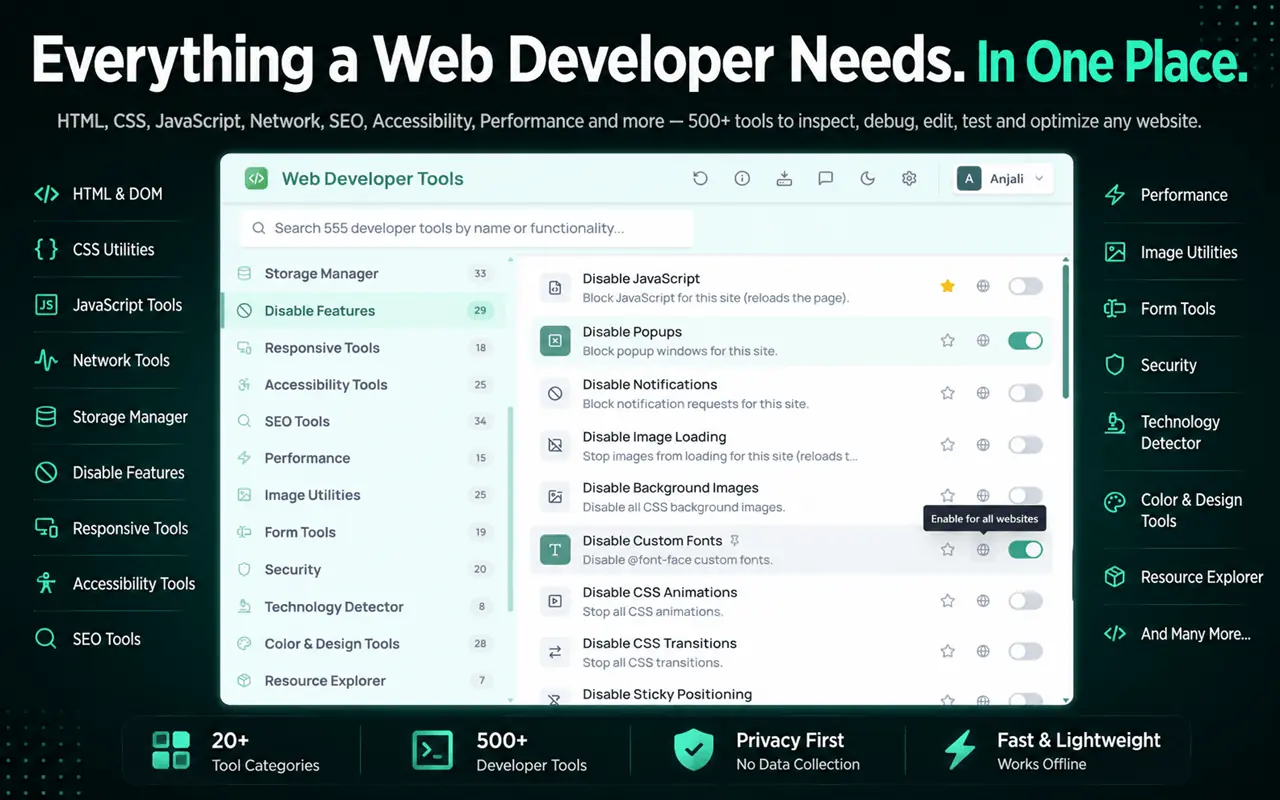
Find out which font a website uses and get the exact color codes from any page, using Chrome or Firefox DevTools, the eyedropper, CSS Overview or Edit Page.
5 min read
Developer tools
Test responsive design and mobile layouts in Chrome, Edge or Firefox with device mode, media queries and breakpoints, plus how to check real devices.
5 min read
Developer tools
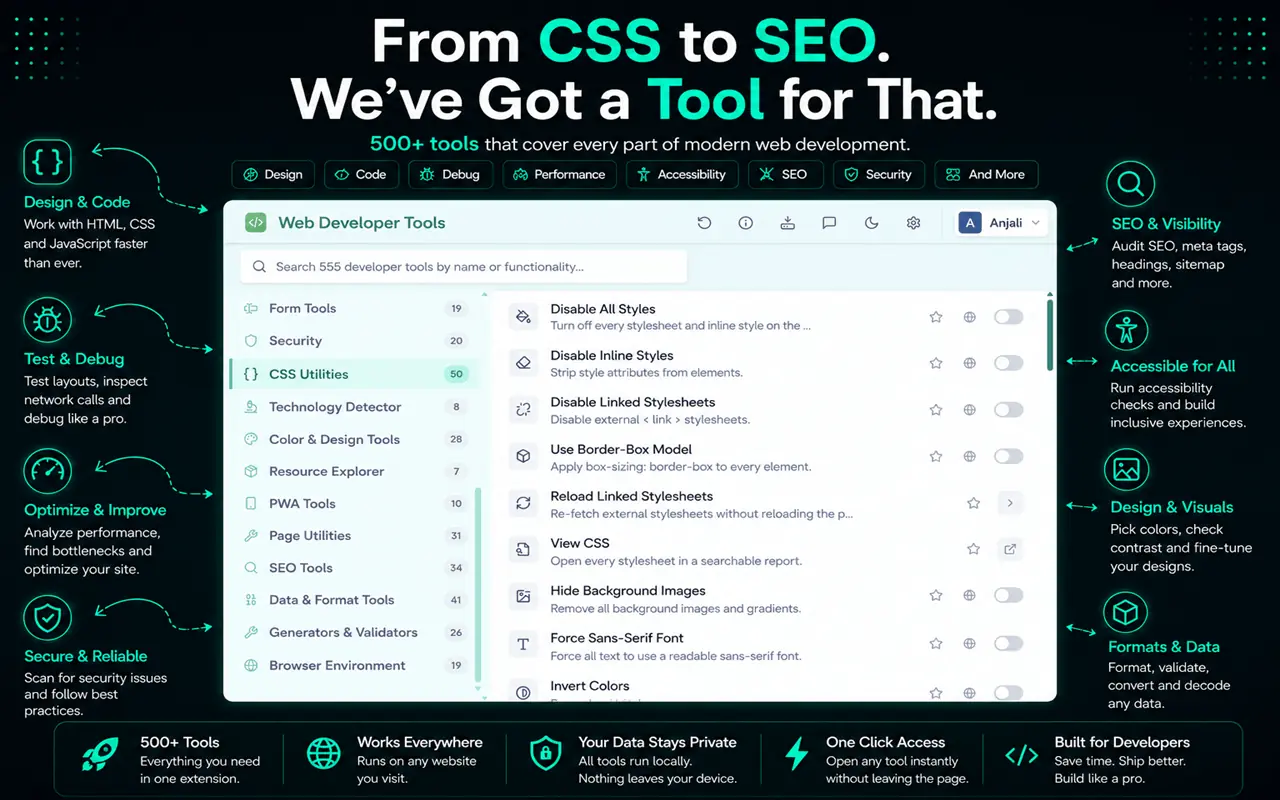
The Chrome extensions web developers actually use for visual editing, framework debugging, accessibility, colors and tab management, and how to choose safe ones.
6 min read
Developer tools
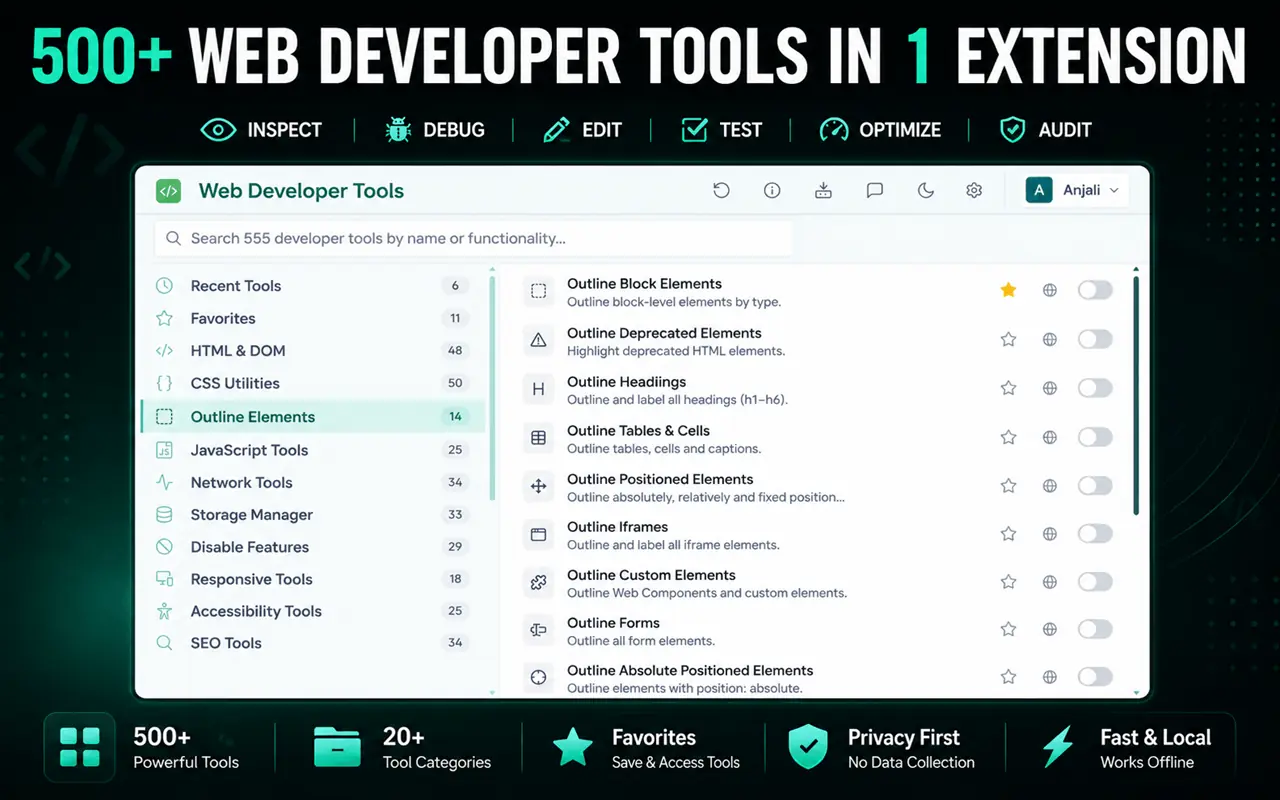
The best free web developer tools in 2026, from browser DevTools and code editors to testing, reference and Chrome extensions, with what each one is for.
6 min read
Developer tools
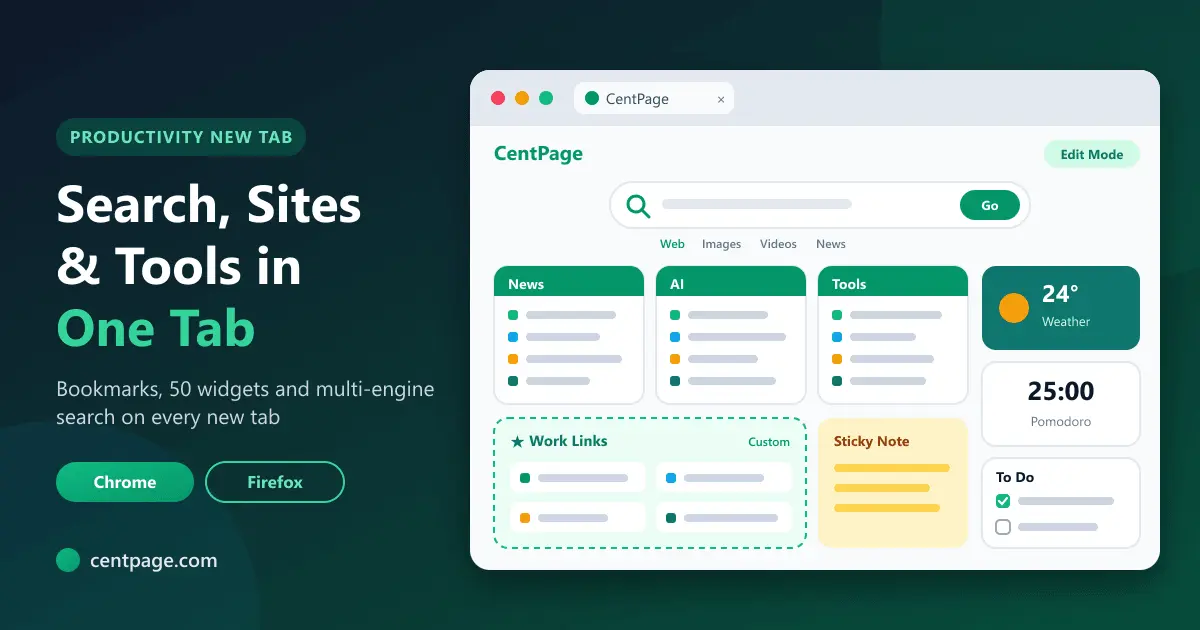
Browser productivity tips for developers: keyboard shortcuts, address-bar search, profiles, DevTools tricks, tab sessions and a lean set of everyday tools.
5 min read
Developer tools
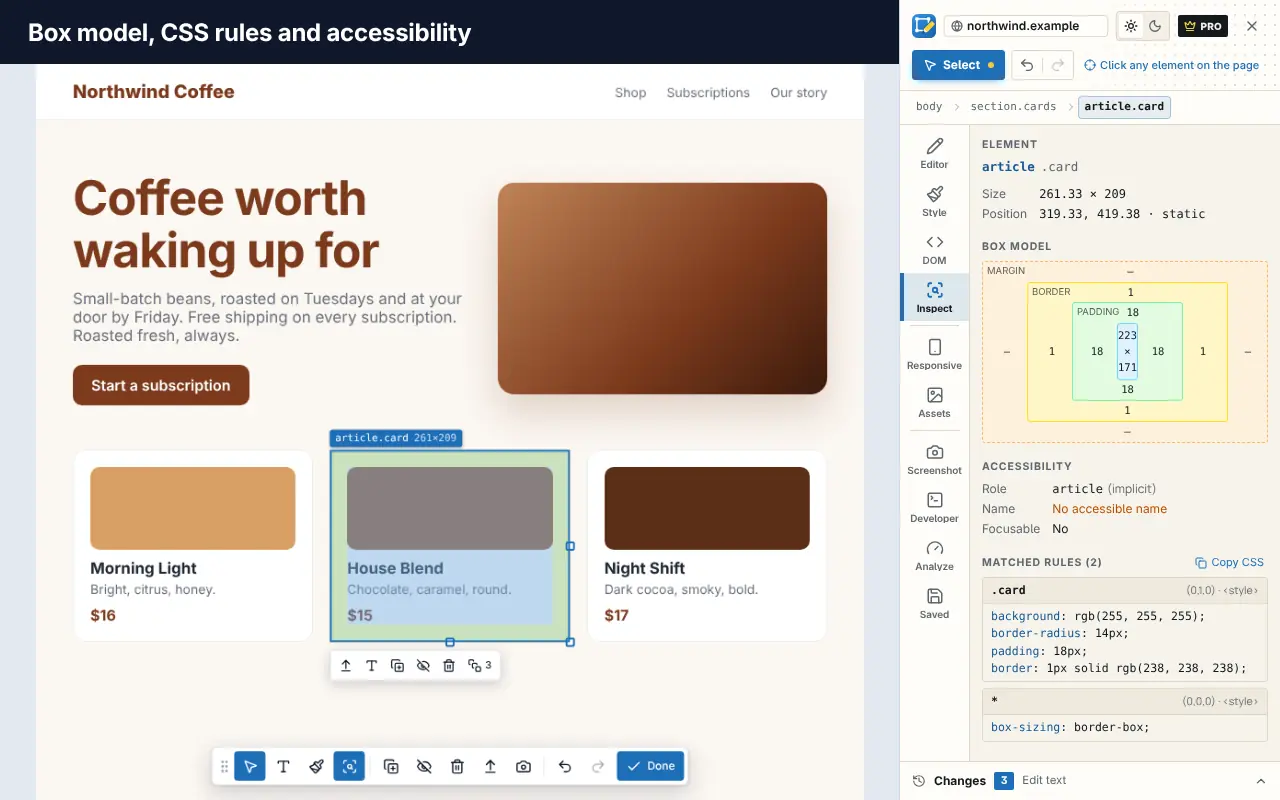
A practical tour of the browser tools every web developer should know, from Elements, Console and Network to Lighthouse and device mode, plus useful extensions.
6 min read